


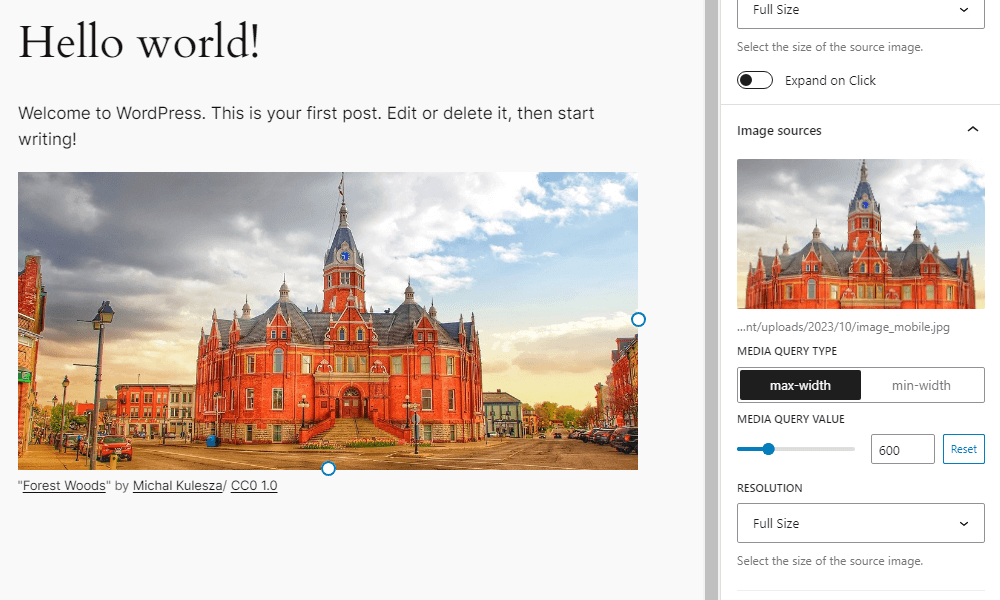
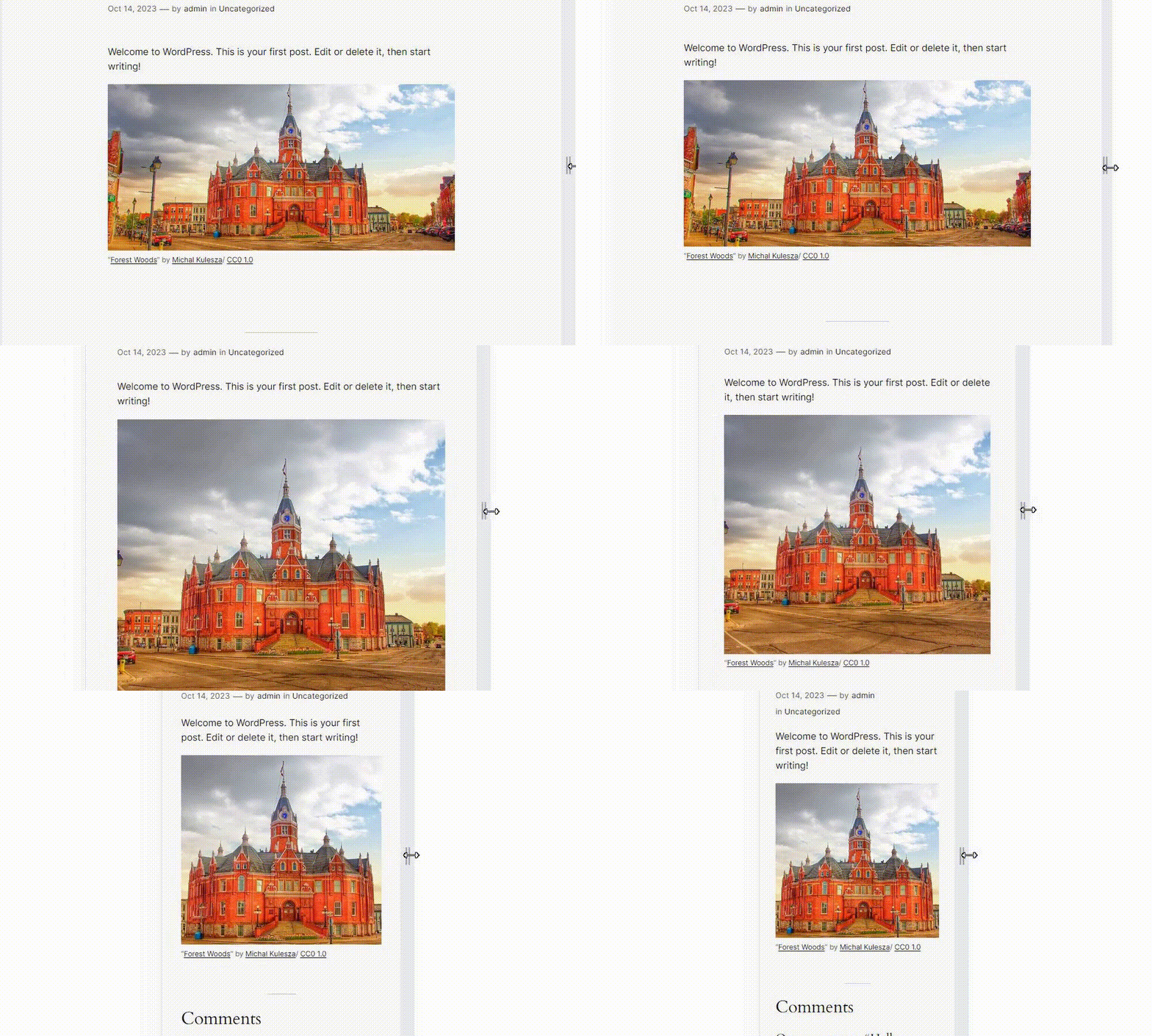
WordPress plugin that adds settings to the Image block to display different images depending on the width of the screen.
npm install
npm run build
Filters the default media value (px).
Parameters:
-
$media_value(int) The media value (px). Default is 600.
Example:
function custom_enable_responsive_image_default_media_value( $default_media_value ) {
	// Override default media value.
	return 400;
}
add_filter( 'enable_responsive_image_default_media_value', 'custom_enable_responsive_image_default_media_value' );Filters whether the preview button is displayed on the block toolbar.
Parameters:
-
$show_preview_button(boolean) Whether the preview button is displayed on the block toolbar. Default is
true.
Example:
// Disable the preview button.
add_filter( 'enable_responsive_image_show_preview_button', '__return_false' );- License: Public Domain
- Source: https://openverse.org/image/cd8e5cc5-d38a-462e-b4c1-1ea5c6f94e20