

A Rust runtime for building, running, recording, and deterministically replaying static robot task graphs, from Linux to bare metal.








▶ Try Copper in your browser · ⚒︎ Build your first app
| Built for robots | Built to ship |
|---|---|
| Static by design: task graphs are declared in RON and wired at compile time. | Runs anywhere: Linux, macOS, SBCs, and bare-metal microcontrollers. |
| Realtime first: zero-allocation, data-oriented execution on the hot path. | Deterministic replay: record a run, reproduce it, and inspect it offline. |
| Rust-first: ergonomic task APIs with compile-time guarantees. | Interoperable: connect to ROS 2 through Zenoh and migrate progressively. |
Already flying, driving, swimming, spacefaring, powering humanoids, and moving robot arms.
These are the same Copper applications used on physical robots, recompiled for the browser. The simulator runs beside a live view of the Copper task graph and latency.
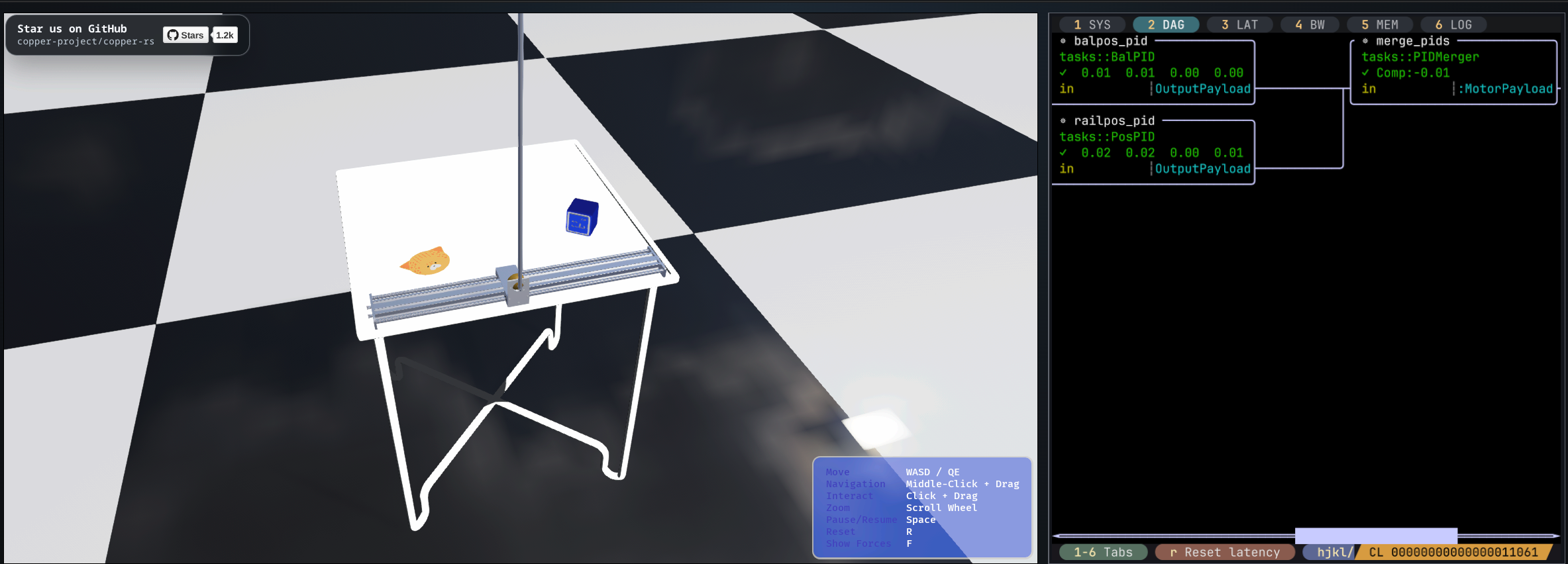
BalanceBot A self-balancing robot simulation using the application that runs on Raspberry Pi hardware. Source code |
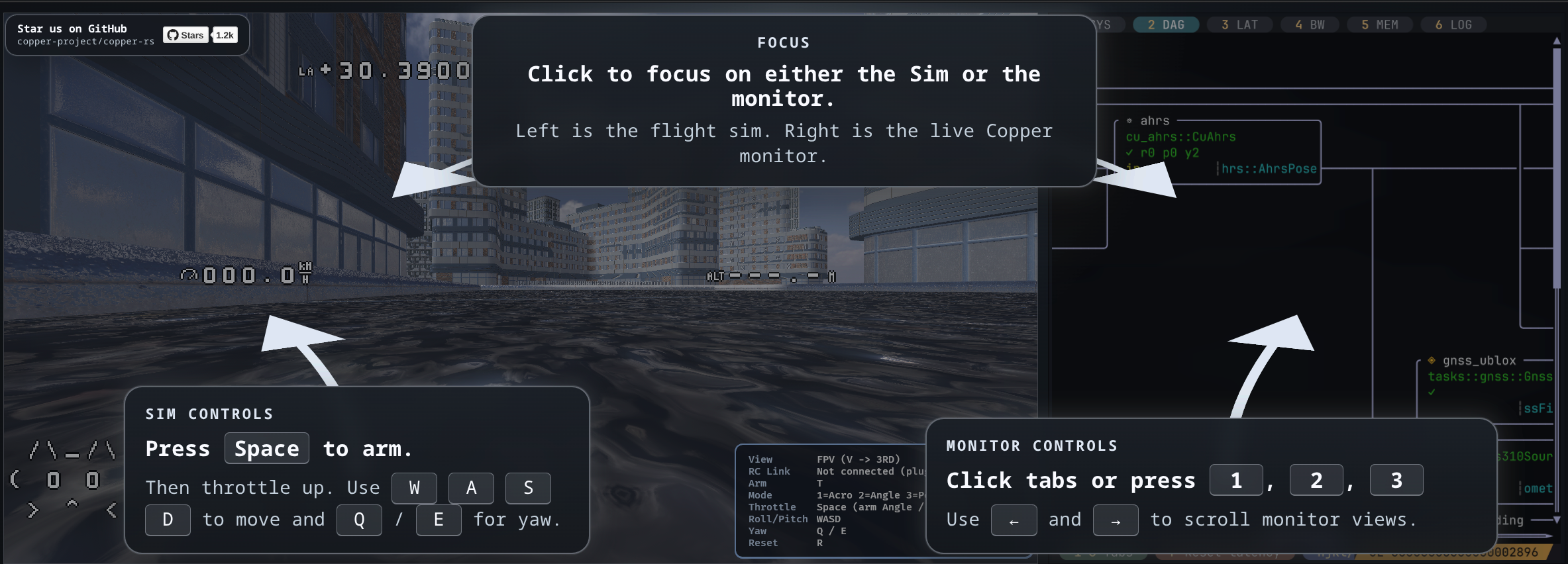
Flight Controller A quadcopter simulation using the control stack deployed on STM32H7 flight hardware. Source code |
Watch more robots built with Copper in the community showcase, or explore the cross-framework benchmarks.
Install the latest stable Rust toolchain, then:
cargo install cargo-cunew
cargo cunew hello_copper
cd hello_copper
cargo run
The generated app has a typed source → task → sink graph that prints its
first messages and records logs/hello-copper.copper. Start with
copperconfig.ron, src/main.rs, and src/tasks.rs; the generated justfile
also provides helpers for logs, CopperLists, topology (just graph), the exact
generated process schedule (just sched), post-execution timing from the default
Copper log (just sched-log), and replay. Host projects also include
just pgs-baseline, just pgs-optimize, just pgs-candidate, and
just pgs-measure; the starter schedule.ron is a conservative placeholder to tune
for the real workload. Project creation asks whether the target is bare metal/no_std
and omits PGS scaffolding for that choice.
| Stage | What happens |
|---|---|
| Declare | Define the static task graph in copperconfig.ron. |
| Generate | #[copper_runtime] wires the graph at compile time. |
| Run | Execute deterministically with a zero-allocation hot path. |
| Record | Capture messages, timing, and state in a unified .copper log. |
| Inspect | Replay a recorded run, export its data, and inspect its state. |
The robot is a static thing: Copper turns its declared graph into a purpose-built
runtime, then records messages, timing, and state into one replayable log.
RobotClock makes time explicit across hardware, simulation, and replay.
-
 Time Travel Debugging
Seek through a recording, restore task state, and re-execute your code with recorded inputs and robot time. -
 Typed Lossless Log Codecs
Choose lossless compression per payload type in the task graph; Copper handles encoding and decoding for recording and replay. -
 Anytime Computation
Produce a base result, then refine it within time or quality budgets, with refinement steps in the deterministic execution plan. -
 Live Twinning Telemetry Over Lossy Links
Run selected robot tasks on the ground to reconstruct outputs you never transmitted, while keeping a replayable archive. -
 First Class Clock Sync With Replay
SynchronizeRobotClockto PTP or custom references, track uncertainty, and replay clock corrections. -
Profile Guided Scheduling (PGS)
Profile-Guided Scheduling turns measured timings, sensor rates, and deadlines into candidate schedules. Measure, select, and compile one into your runtime.
| Learn | Book · Runtime overview · API docs |
| Build | Project templates · RON reference · Component catalog |
| Go deeper | Architecture notes · Examples · Logging and replay · Python support |
| Project | Supported platforms · Release notes |
| Community | Contributing · GitHub Discussions · Discord |