

Keydeck · Values · Letters
Free desktop apps that open, edit and save Apple Keynote, Numbers and Pages files,
and work with PowerPoint, Excel and Word too. For Linux, Windows and macOS.
Website · All downloads · Contribute · Report a problem · Support development
Installs all four apps (Keydeck, Letters, Values and Bramble Notes) from the latest release, with app-menu or Start-menu shortcuts. No administrator rights needed; run the same command again to update.
Linux (x86_64) and macOS, in a terminal:
curl -fsSL https://raw.githubusercontent.com/bramble-apps/bramble-office/main/install.sh | shWindows, in PowerShell:
irm https://raw.githubusercontent.com/bramble-apps/bramble-office/main/install.ps1 | iexOn Linux the apps go into ~/.local/share/bramble-office (unpacked, so they run without FUSE), with
launchers keydeck, letters, values and bramble-notes in ~/.local/bin. On macOS they go into ~/Applications, and
on Windows into %LOCALAPPDATA%\Programs\Bramble Office, with Start-menu and desktop shortcuts.
To remove them, run curl -fsSL https://raw.githubusercontent.com/bramble-apps/bramble-office/main/install.sh | sh -s -- --uninstall
(Linux, macOS) or & ([scriptblock]::Create((irm https://raw.githubusercontent.com/bramble-apps/bramble-office/main/install.ps1))) -Uninstall
(Windows). Your documents are never touched.
| System | Download |
|---|---|
| Windows 10 and 11 (64-bit): Keydeck, Values, Letters and Bramble Notes |  |
| macOS, Apple silicon (M1 and later), macOS 11+ |  |
| macOS, Intel Macs, macOS 10.15+ |  |
| Linux AppImages (x86_64): one file per app, nothing to install |     |
| Linux Flatpak bundles (x86_64): one file per app, sandboxed |     |
| Android 8+, tablets and phones (64-bit ARM): one app each. Beta |     |
| Android with Obtainium: installs from these releases and keeps the apps up to date |  Keydeck · Values · Letters · Notes |
| Linux, all four apps in one archive (x86_64) |  |
Free and open source (GPL-3.0). No account, no subscription, no tracking.
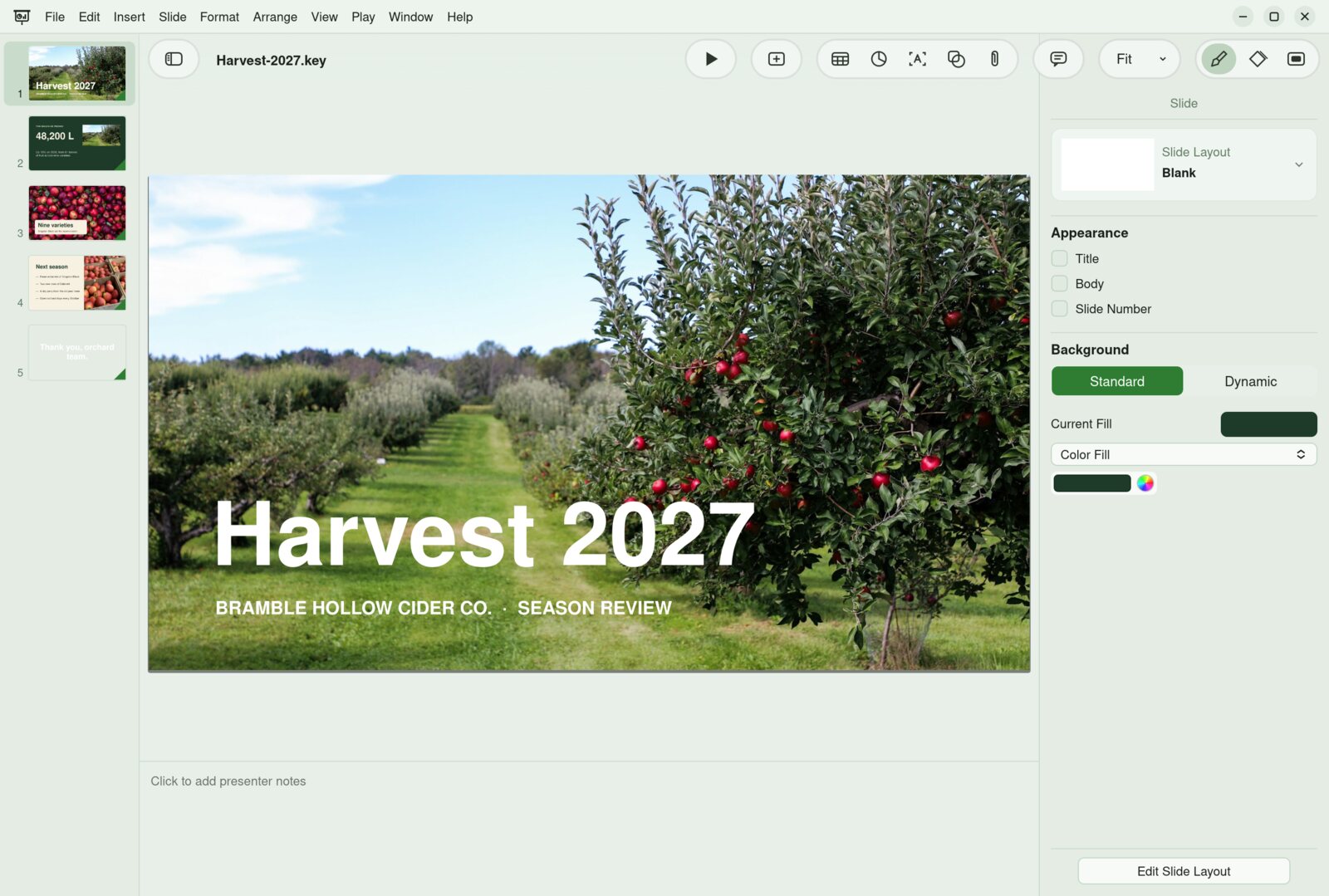
| App | For | Opens and saves | Also works with | |
|---|---|---|---|---|
 |
Keydeck | Presentations | Keynote .key |
PowerPoint .pptx; exports PDF, images, movies, animated GIFs, HTML |
 |
Values | Spreadsheets | Numbers .numbers |
Excel .xlsx, CSV, TSV; exports PDF, CSV, Excel |
 |
Letters | Word processing and page layout | Pages .pages |
Word .docx, RTF, HTML, Markdown, text; exports PDF, Word, RTF, EPUB, HTML |
iWork files are read and written natively, not converted: what you don't touch is saved back exactly as it was, so a document can go back and forth with a Mac. Highlights:
- Keydeck: transitions and builds including Magic Move, dynamic backgrounds, presenter display, recorded slideshows, charts linked to tables, 18 built-in themes, and Keydeck Remote: run a slideshow on your computer from an Android phone on the same Wi-Fi, with your notes, the next slide, a timer and a laser pointer.
- Values: formulas, charts, pivot tables, categories, filters, conditional highlighting, Excel files kept as Excel.
- Letters: live text wrap around pictures and shapes, styles, tables, lists, sections, Word files kept as Word, a page layout mode.
- All three: the Content Hub (openly licensed photos and illustrations from Wikimedia Commons, and over 1,200 shapes), a colour picker, liquid glass or solid looks, light and dark themes, adjustable scaling.
- Unzip
Bramble-Office-windows-x86_64.zip(right-click, Extract All). - Open the
bramble-officefolder and startkeydeck.exe,values.exeorletters.exe. - The apps aren't code-signed yet, so Windows may say Windows protected your PC: choose More info, then Run anyway.
Needs Windows 10 or 11, 64-bit, and a graphics card with DirectX 12, Vulkan or OpenGL 3.3 (any PC from the last ten years). Nothing else to install.
-
Unzip the download for your Mac: Apple silicon for M1 and later, Intel for older Macs. (Apple menu > About This Mac shows which you have.)
-
Drag Keydeck, Values, Letters and Bramble Notes into Applications.
-
The apps aren't notarized yet: the first time, right-click (or Control-click) the app and choose Open, then Open again. If macOS says the app is damaged, run this once in Terminal:
xattr -cr /Applications/Keydeck.app /Applications/Values.app /Applications/Letters.app "/Applications/Bramble Notes.app"
Apple silicon builds need macOS 11 Big Sur or later; Intel builds need macOS 10.15 Catalina or later.
AppImage (any distribution): download the app, make it executable and run it.
chmod +x Keydeck-x86_64.AppImage
./Keydeck-x86_64.AppImage
Flatpak (any distribution with Flatpak): download the app's .flatpak file and install it. The
freedesktop runtime it needs comes from Flathub the first time.
flatpak install --user Keydeck-x86_64.flatpak
flatpak run io.github.bramble_apps.Keydeck
Update by installing a newer file the same way. In the sandbox, files open and save through the system's file chooser; printing, speaking text and Notes' fingerprint unlock may not be available.
Archive: unpack it and run the apps from the bramble-office folder (copy them to ~/.local/bin to
have them on your PATH).
tar -xzf Bramble-Office-linux-x86_64.tar.gz
./bramble-office/keydeck
Requirements: x86_64 with glibc 2.35 or newer (Ubuntu 22.04, Debian 12, Fedora 36, Linux Mint 21, openSUSE Leap 15.5 and later), and Vulkan or OpenGL 3.3 graphics drivers (Mesa on most systems), on Wayland or X11. The AppImages carry the keyboard and input libraries themselves; for the archive, and for video and sound, install these:
| Distribution | Command |
|---|---|
| Ubuntu, Debian, Mint | sudo apt install libxkbcommon-x11-0 libxcursor1 libxrandr2 libxi6 mesa-vulkan-drivers ffmpeg |
| Fedora | sudo dnf install libxkbcommon-x11 libXcursor libXrandr libXi mesa-vulkan-drivers ffmpeg |
| Arch, Manjaro | sudo pacman -S libxkbcommon-x11 libxcursor libxrandr libxi vulkan-icd-loader ffmpeg |
On Ubuntu, "Unable to locate package ffmpeg" means the universe software source is off (common on a fresh install). Turn it on, then run the install command again:
sudo add-apt-repository universe && sudo apt updateffmpeg plays and exports movies and sound; everything else works without it. Keydeck downloads the
yt-dlp helper itself the first time you add a web video. If an AppImage doesn't start because the system
has no FUSE, run it with --appimage-extract-and-run.
The Android versions are in beta: expect some bugs, and keep copies of important files.
- On the tablet or phone, download
Keydeck-android.apk,Values-android.apkorLetters-android.apk. - Open it from the notification or the Downloads app. The first time, Android asks to allow installing apps from your browser or file manager: allow it, go back and tap Install.
- The apps aren't on Google Play yet, so Play Protect may warn about an unknown app: choose Install anyway.
To get updates automatically, use Obtainium instead: install it,
then open this page on the phone or tablet and tap Open in Obtainium (or pick a single
app there). By hand: in Obtainium, add https://github.com/bramble-apps/bramble-office and set
Filter APKs by regular expression to the app's file, for example ^Letters-android\.apk$.
Needs Android 8 or later on a 64-bit ARM device (almost every phone and tablet since 2017). The apps have the same features as the desktop apps with a touch layout: bigger controls, menus and windows that come up as sheets on a phone, and the full layout on a tablet or an unfolded phone. Files open with Android's file picker (Google Drive, Downloads, USB drives and so on), and saving writes back to the same place. Keydeck for Android is also the remote for Keydeck on your computer (Play > Keydeck Remote…; on the computer, Settings > Remotes). Things that need desktop programs (movie export, screen recording) aren't available on Android.
The three apps share one engine for reading, drawing and writing iWork files, which lives in Keydeck's folder. Values and Letters build against it by relative path, so keep the three folders side by side.
keynote-linux/: Keydeck and the shared cratescrates/kn-format: iWork package and archive reading and writing (lossless round-trip)crates/kn-model: documents, slides, text, tables, charts, shapes and undoable editscrates/kn-render: drawing (tiny-skia, cosmic-text), animations and transitionscrates/kn-ui: the shared interface (themes, colour picker, chart panes, Content Hub, icons)crates/kn-app: thekeydeckapp
numbers-linux/: Values (crates/nm-core,crates/nm-app→ thevaluesapp)pages-linux/: Letters (crates/pg-core,crates/pg-app→ thelettersapp)letters_mobile/,keydeck_mobile/,values_mobile/: the Flutter Android apps, built on the same engines through each app'sffi.rs(keep them beside the three folders above)notes-linux/,notes_mobile/: Bramble Notes for the desktop and Android (in development)calculator/: Bramble Calculator (in development)flatpak/,keynote-linux/tools/suite/flatpak,keynote-linux/tools/suite/snap: packaging for Flatpak and the Snap Store
You need a recent stable Rust (rustup, edition 2024). On Linux you also need the windowing libraries'
headers (Debian or Ubuntu: libxkbcommon-dev libwayland-dev libx11-dev libgtk-3-dev).
cd keynote-linux && cargo build --release -p kn-app     # target/release/keydeck
cd numbers-linux && cargo build --release -p nm-app     # target/release/values
cd pages-linux   && cargo build --release -p pg-app     # target/release/letters
cd notes-linux   && cargo build --release -p nt-app     # target/release/bramble-notes
cd calculator    && cargo build --release -p calc-app   # target/release/calculator
The Flutter Android apps build with tool/build_engine.sh then flutter build apk in their folders (they need
Flutter, the Android SDK and NDK and a JDK). keynote-linux/tools/android/build-apk.sh still builds the older
all-Rust APKs. Each folder has a run.sh that builds and starts its app; packaging/ holds the scripts for Linux packages
and macOS app bundles. Every tagged version (v*) is built for all systems by
.github/workflows/build.yml and published under Releases.
cargo test --workspace # in each of the three foldersMany tests compare against documents made in Keynote, Numbers and Pages. Those files are Apple-made and aren't part of this repository, so those tests are reported as ignored here. Every other test runs.
- Shapes: Phosphor Icons (MIT).
- Theme photos: Unsplash photographers, credited in
keynote-linux/crates/kn-app/data/themes/PHOTO-CREDITS.tsv. - Content Hub pictures: Wikimedia Commons Featured pictures, each under its own free licence; the app keeps each picture's credit.
- Fonts: Carlito and Caladea (SIL Open Font License,
keynote-linux/crates/kn-render/fonts) and DejaVu Sans (keynote-linux/crates/kn-ui/data). - Patched copies of winit and smithay-client-toolkit (MIT / Apache-2.0,
keynote-linux/vendor).
Bramble Office is free software under the GNU General Public License, version 3 only (see LICENSE).
Bramble Office is an independent project. It is not affiliated with, endorsed by or sponsored by Apple Inc. Apple, Keynote, Numbers, Pages and iWork are trademarks of Apple Inc.; Microsoft, PowerPoint, Excel and Word are trademarks of Microsoft Corporation. The names are used only to say which file formats the apps work with. Bramble Office contains no source code from Apple or Microsoft; file compatibility was built for interoperability, by studying how documents are stored. The documents built into the apps as templates were made in Apple's apps for their structure only, with every image and preview replaced by original or openly licensed ones.